It's my business to help your business.

Photography at the Thistle Hotel
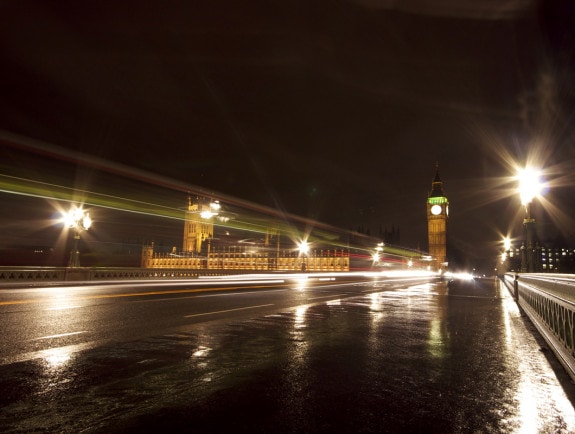
Toewr Bridge.jpg

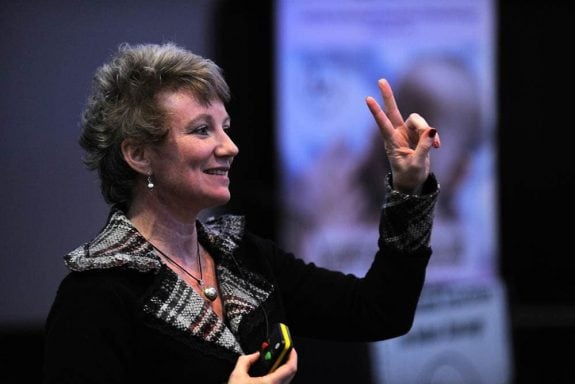
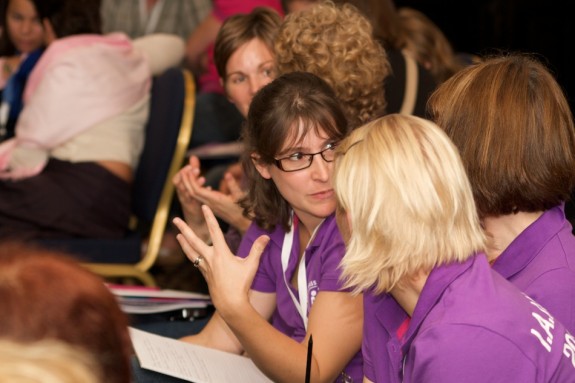
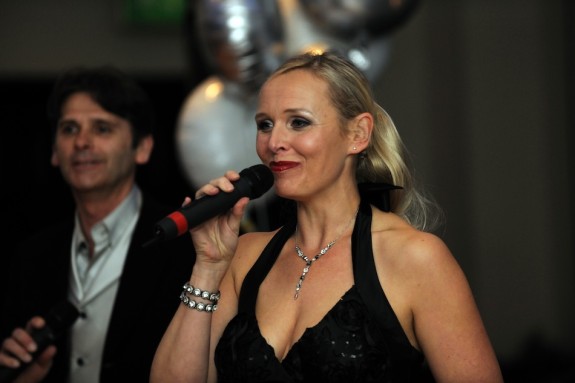
So, a short while back (early October), Brett and I went to the General Assembly of the International Association of Infant Massage. This year it was held in London, and Blue Eye was fortunate enough to be selected for the photography.

What an interesting and eye-opening event! The speakers were interesting and well-informed, and even we the photographers learned a lot about the need for the work that they are doing. You can see their website at: iaim.org.uk

For IAIM members, and other attendees, the photographs are available for purchase via the IAIM Event gallery on this website.

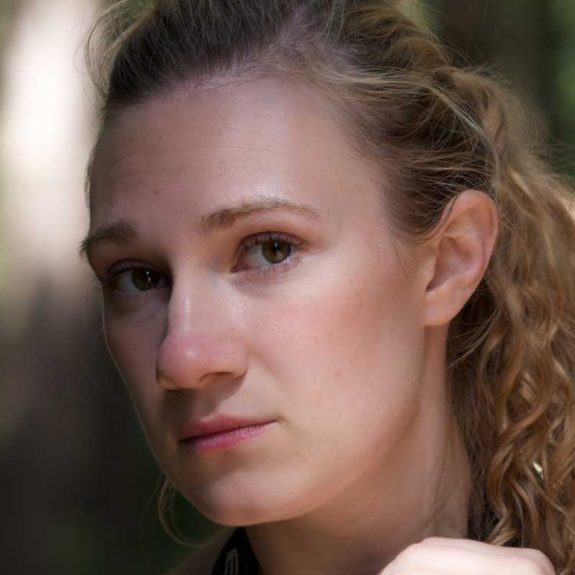
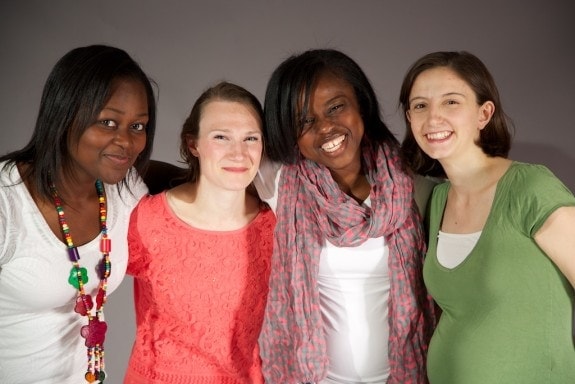
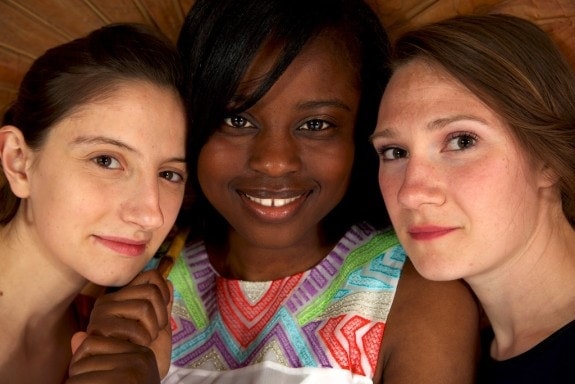
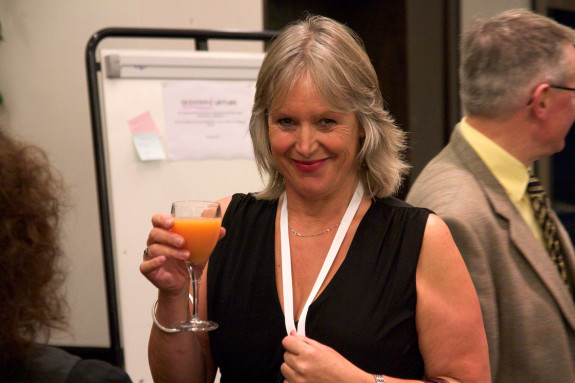
Here are a couple of the photos from the weekend:

IAIM-Event 1.jpg

IAIM-Event 3.jpg

Canvases! Great Christmas gifts

Now available! Genuine, hand-made canvas prints!

Blue Eye now offers canvases at almost any size you could want, at prices that are hard to believe.

  • High quality, fade resistant printing onto acrylic canvas.
  • Created using your own photos or made custom for your needs.
  • A wonderful, personal gift for loved ones.

Example prices:

  • 80 x 55cm (31.5 x 21.5 inch) mounted: £55 (+pp)
  • 50 x 35cm (19.5 x 13.5 inch) mounted: £35 (+pp)

Contact me for a specific quote for your canvas!

Paring down or Paring up?

This week Blue Eye saw it’s first Twitter post.

OK, for most of the world this is not a big deal. (Actually, I can’t think of a scenario where this is news.) But, it caused me to think about the way we communicate, the way Blue Eye Graphics communicates…

Blue Eye has a:

That’s in addition to email and telephone contact of course.

I had avoided Twitter for so long due the fact that there are already too many streams of information to keep track of. I believe that it can dilute the message, and that can only be a bad thing. On the other hand there are people that don’t have a Facebook, but will have a Linkedin account (which connects to Behance), for example.

They are all able of being great tools to display portfolio items and connecting with other people, and all customers are people. The better we can communicate with each other, the more we can understand about each other’s needs, and that means the better the result of the work, and the quality of the work is of great importance.

In other news, more new printed items to be posted soon!

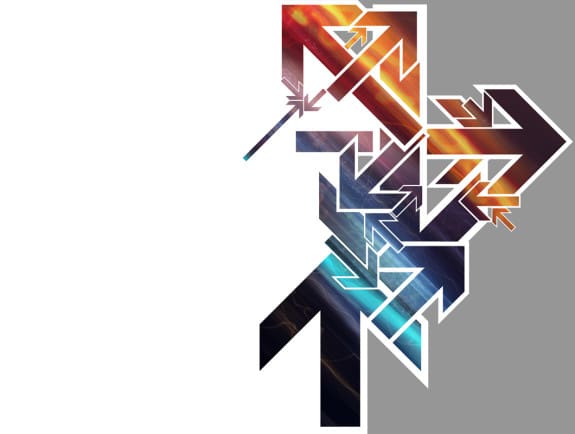
“Expediency”

New image: “Expediency”

It’s not so straight forward to explain the title. But I can say that what was originally going to be something angular turned into a kind of dark scenic. Am I pleased with the result? Yes.

The more I look at it, the more I see in the textures and colours. A note on the colours as well… I didn’t decide on the “city in flames” idea until right at the end. Also because the whole image is quite dark, it allows the colours to be subdued and still be lively. It’s this kind opposite that I like very much when I look at illustrations and design work.Here’s a detail shot to show what I mean.

Of course most of the design work I produce is more targeted and functional – so it’s quite a luxury to let the mind run free on personal illustration work.

  • Completed: 1.05am.
  • Work time: 2 hours approx.
  • Software used: Photoshop only
  • Textures, photos: Self

How to design better Artwork in 10 steps

Design a layout

This is a little guide to help design as best as you can for a free or very little money. The details work in any software because they are principles rather than software technique. So, let’s get started!

Planning

1: Get a pen (or pencil – I prefer pencil) and some blank, scrap paper.

2: Decide the message before going to the computer. Put everything you can think of onto the paper – then start stripping away everything that distracts from what you really want to say.

3: Get a new sheet of paper and start laying your material out roughly. Use boxes to indicate where the text should go – write the titles boldly where they should go. Put boxes for pictures with a rough indication of content.

4: Refine your layout.

Consistency

5: If your document has more than one page, you should design it as a whole, using elements that are common throughout – this will help your audience to feel at home when they read through.

Keeping it simple with software

6: Now that you have a layout guide on paper, and have kept it consistent, you can start using preparing your document on computer. Always, always start by making the document properties the same size as you intend to output. So for example, if you want to print an A5 booklet, design it in A5. This will eliminate problems and hassles later.

7: Don’t go wild with fonts and colours. A splash of colour here and there makes a more refined, classy document than one with colours everywhere. Stick to 3 or 4 typefaces maximum – including headings. By doing this, you can choose more dramatic fonts while keeping things tidy.

8: Spellcheck. At least twice.

9: Save regularly.

10: If printing at a printers, export as a high quality PDF to help produce predictable, consistent results.

Remember, ask for help if needed. Maybe you don’t know how to make the software do what you want… It might be time to explain your needs to a designer and they can help meet your requirements.

Good luck!